
9 Powerful YouTube Analytics Tips for Smarter Growth in 2026
Starting a YouTube channel is exciting, but creating videos without checking the results can leave you guessing. YouTube Analytics helps creators understand what viewers watch, how they discover videos, where they stop watching, and which content deserves more attention.
Think of analytics as your channel’s feedback system. Instead of asking, “Why did this video perform poorly?” you can use real data to find possible answers and make smarter decisions.
YouTube Studio currently provides reports across areas such as Overview, Content, Reach, Engagement, Audience, Revenue and Trends. YouTube is also gradually rolling out an updated Studio experience in 2026, so your interface may look slightly different. [YouTube Help: Get started with YouTube Analytics]
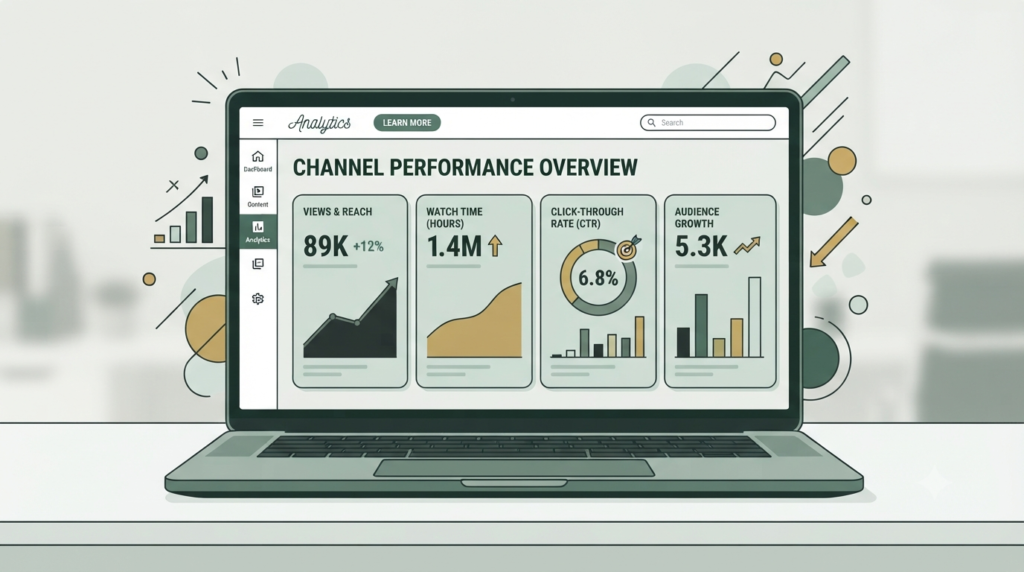
What Is YouTube Analytics?
YouTube Analytics is the reporting system inside YouTube Studio that helps creators measure channel and video performance.
For beginners, the most important idea is simple:
Create → Measure → Understand → Improve → Repeat.
You do not need to study every number every day. Start with a few important metrics and learn what they are telling you.
1. Start With the YouTube Analytics Overview
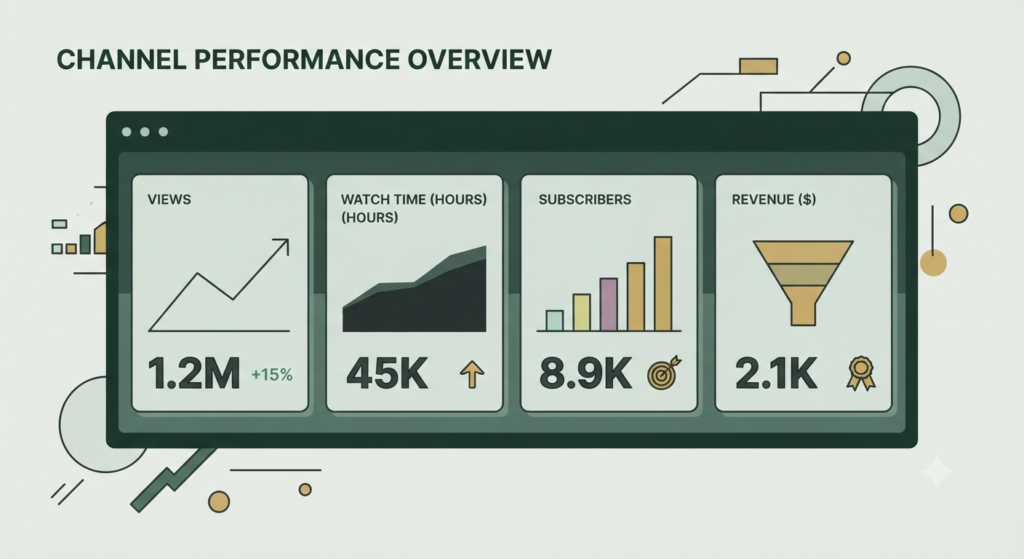
The Overview tab gives you a quick picture of your channel or individual video.
Important information can include:
- Views
- Watch time
- Subscribers
- Estimated revenue, when applicable
- Realtime performance
- Top content
- Typical performance
The Overview report is useful for checking whether your channel is moving in the right direction. YouTube also provides comparisons with typical performance in some reports.
Beginner tip: Check your overall trend instead of judging your channel from one video.
2. Understand Your YouTube Analytics Reach
Reach answers an important question:
How are people discovering my content?
The Reach area can show information such as:
- Impressions
- Impressions click-through rate (CTR)
- Views
- Unique viewers
- Traffic sources
- External sources
- Suggested videos
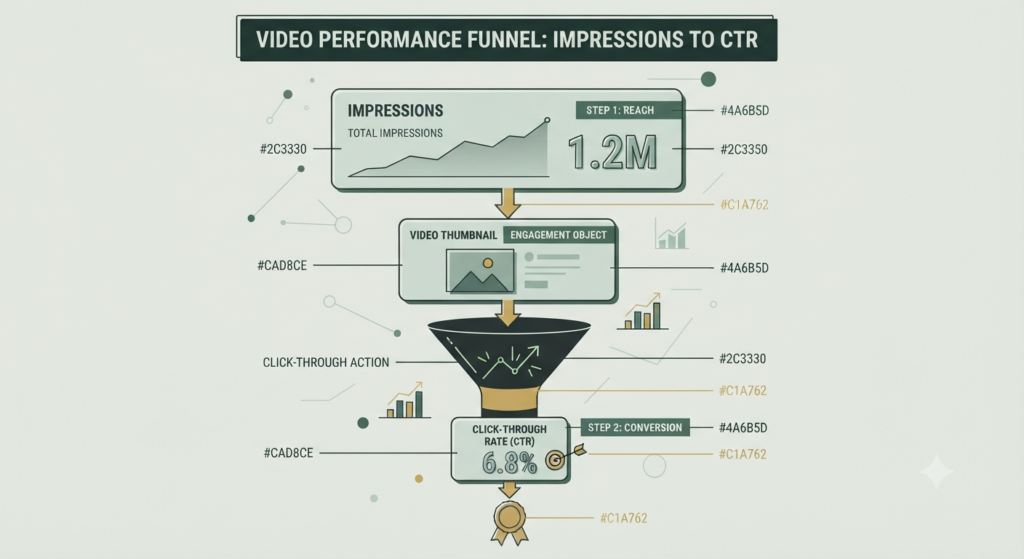
Impressions tell you how often registered thumbnails were shown on YouTube, while CTR shows how often viewers watched after seeing a thumbnail.
For example, if impressions are increasing but CTR is weak, review your title and thumbnail.
This is where your previous YouTube SEO work connects directly with analytics.
3. Study Engagement and Watch Time
Getting a click is only the beginning.
Engagement helps you understand what happens after someone starts watching.
Important YouTube analytics metrics include:
- Watch time
- Average view duration
- Audience retention
- Engaged views for applicable content
- Likes and dislikes
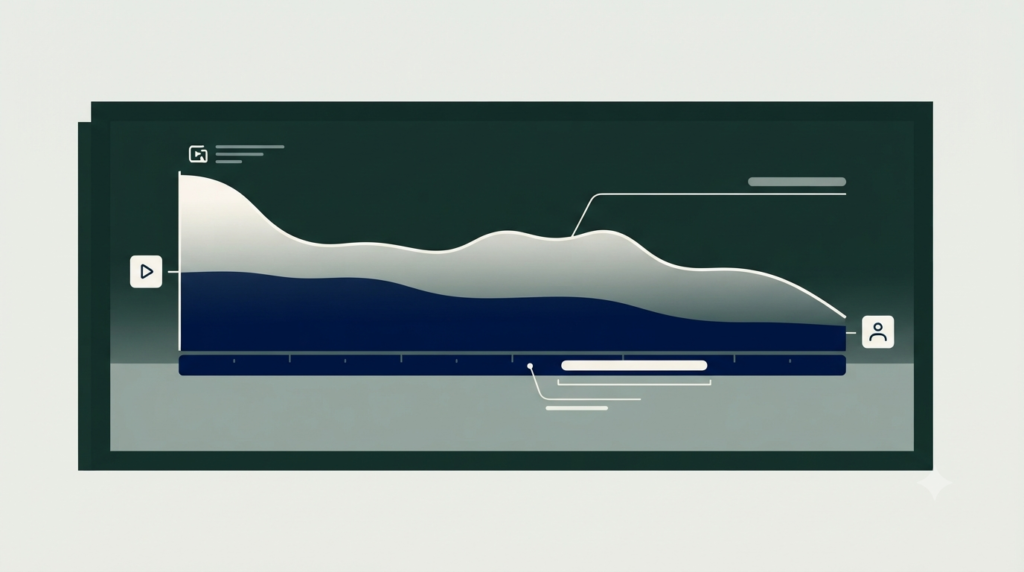
Audience retention is particularly useful because it shows how well different moments hold viewers’ attention.
If many viewers leave during the opening, your introduction may be too slow or may not immediately deliver what the title promised.
Correction: Make the opening clear, useful and relevant. Avoid long introductions before delivering the main value.
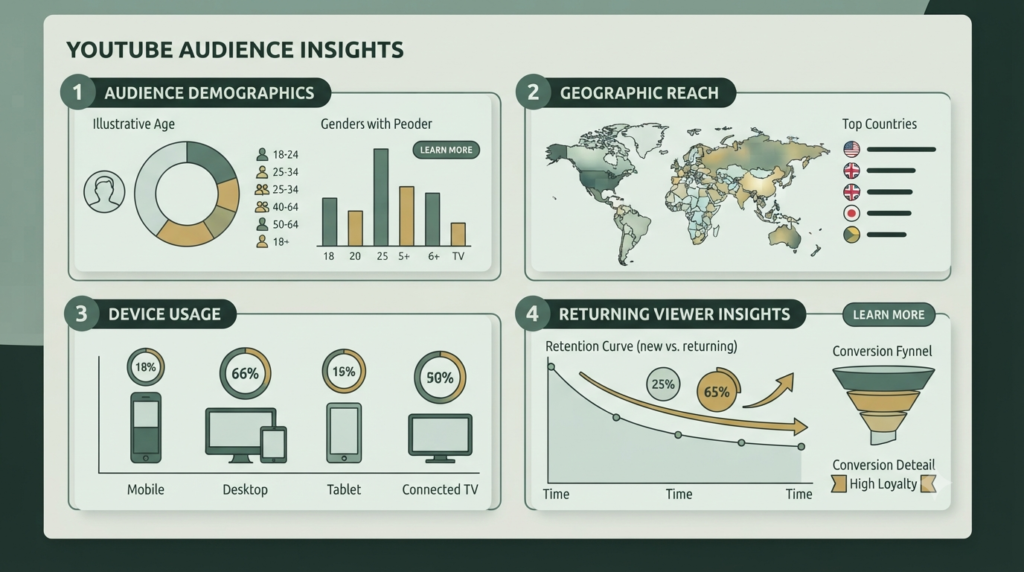
4. Use Audience Reports to Know Your Viewers
You cannot create useful content consistently if you do not understand who is watching.
The Audience area can provide insights into:
- New viewers
- Casual viewers
- Regular viewers
- Monthly audience
- Geography
- Age
- Gender
- Device type
- When viewers are on YouTube
- What your audience watches
- Channels your audience watches
- Formats your viewers watch
YouTube describes monthly audience as an estimate of unique viewers who watched your content during the previous 28 days.
Use these insights to make your content more relevant instead of trying to appeal to everyone.
5. Compare Your Best and Weakest Videos
One of the easiest ways to use YouTube channel analytics is to compare videos.
Create a simple table:
| Metric | Strong Video | Weak Video | What to Check |
|---|---|---|---|
| Views | Higher | Lower | Topic demand |
| Impressions | Higher | Lower | Discovery |
| CTR | Higher | Lower | Title + thumbnail |
| Average view duration | Higher | Lower | Content quality |
| Watch time | Higher | Lower | Overall viewing |
| Subscribers gained | Higher | Lower | Audience fit |
Do not copy a successful video blindly.
Instead, identify the reason it worked.
Perhaps the topic was clearer, the thumbnail was stronger, the introduction was faster, or the video answered a specific problem.
6. Use YouTube Analytics to Improve Titles and Thumbnails
Analytics can help you identify packaging problems.
Suppose a video receives many impressions but comparatively few clicks. Your first test should be the title and thumbnail.
Ask:
- Is the benefit obvious?
- Does the title solve a specific problem?
- Is the thumbnail easy to understand on mobile?
- Does the thumbnail complement rather than simply repeat the title?
- Is the promise accurate?
Never use misleading packaging just to increase clicks. A click followed by immediate abandonment is not a healthy long-term strategy.
7. Find Content Ideas From Audience Data
Analytics is not only for measuring old videos. It can help you plan new ones.
The Trends area can provide information about what audiences are searching for and help creators identify content gaps and potential video ideas.
You can also examine what your audience watches and which channels they watch.
Look for repeated patterns:
Topic → Search intent → Viewer problem → Video idea
For example: Beginners watch several videos about YouTube thumbnails.
That could inspire a new video about how to create YouTube thumbnails that improve clicks.
8. Use Advanced Mode for Deeper Analysis
Once you understand the basic reports, YouTube Studio’s Advanced Mode can help you compare performance and export more detailed reports.
You do not need Advanced Mode on day one.
Start with three questions:
- Which videos are getting discovered?
- Which videos are holding attention?
- Which videos are attracting the right audience?
Later, compare videos by topic, format, date range or other available dimensions.
9. Turn YouTube Analytics Into an Action Plan
Data becomes useful only when you act on it.
Try this simple weekly process:
Step 1: Identify your top three videos.
Step 2: Check their impressions and CTR.
Step 3: Review watch time and audience retention.
Step 4: Look at traffic sources.
Step 5: Check what your audience is watching.
Step 6: Find one pattern.
Step 7: Apply that learning to your next video.
For example:
High impressions + low CTR → improve title/thumbnail
Good CTR + weak retention → improve opening/content structure
Low impressions + strong retention → investigate topic, search demand and discoverability
This makes YouTube Analytics for beginners much easier because you are not trying to understand every metric simultaneously.
How YouTube Analytics Becomes the Backbone of Your Channel
YouTube Analytics connects almost every part of your YouTube strategy.
Keyword research helps you choose topics.
SEO helps your content become discoverable.
Titles and thumbnails influence the decision to click.
Video content determines whether viewers continue watching.
Analytics tells you what happened.
You then use those findings to improve the next piece of content.
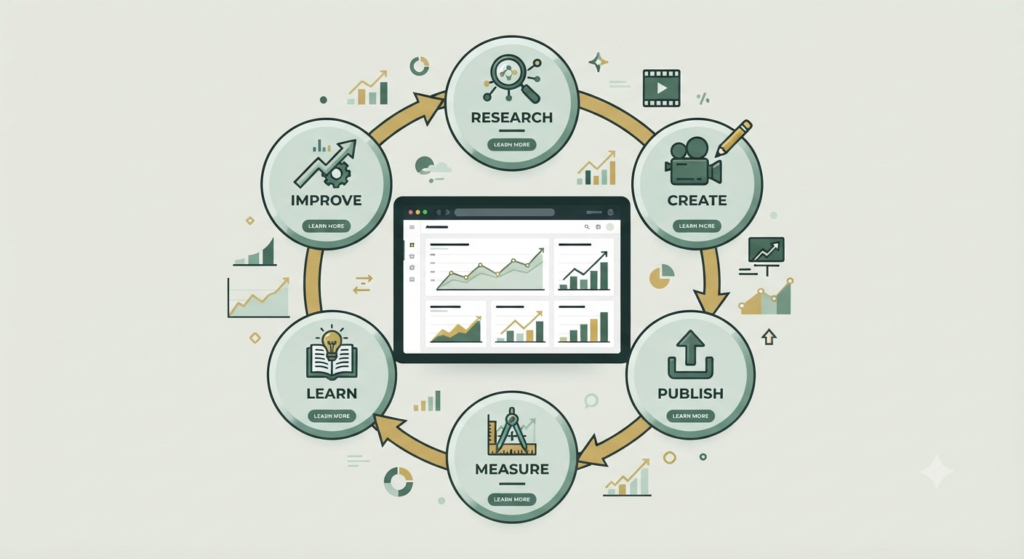
That creates a continuous improvement cycle:
Research → Create → Publish → Measure → Learn → Improve → Create again.
This is why analytics can become the backbone of a data-driven YouTube strategy.
Common YouTube Analytics Mistakes to Avoid
Avoid these beginner mistakes:
- Checking analytics every few minutes.
- Judging a video too quickly.
- Focusing only on views.
- Ignoring audience retention.
- Changing everything after one poor result.
- Comparing a new channel with a huge established channel.
- Chasing CTR without considering viewer satisfaction.
- Treating every metric as equally important.
Your goal is not to make every number perfect.
Your goal is to understand what the numbers are telling you.
Final YouTube Analytics Checklist
Before publishing your next video, remember:
- Choose a clear audience problem.
- Create a useful title.
- Design a relevant thumbnail.
- Track impressions and CTR.
- Monitor watch time.
- Review audience retention.
- Study traffic sources.
- Check your audience insights.
- Compare similar videos.
- Turn one insight into your next content improvement.
Frequently Asked Questions
1. What is YouTube Analytics?
YouTube Analytics is the reporting system inside YouTube Studio that helps creators understand channel and video performance, audience behavior, reach, engagement and other available metrics.
2. What should beginners check first in YouTube Studio Analytics?
Start with views, impressions, CTR, watch time, average view duration, audience retention and traffic sources. These provide a useful starting picture of video performance.
3. What does YouTube Analytics CTR mean?
CTR, or impressions click-through rate, indicates how often viewers watched a video after seeing its thumbnail on YouTube. It should be interpreted together with impressions and other performance data.
4. How often should I check YouTube Analytics?
A weekly review is a practical starting point for beginners. For newly published videos, you can check earlier performance for initial signals, but avoid making major decisions from very limited data.
5. Can YouTube Analytics help me find new video ideas?
Yes. Audience reports and the Trends area can help you understand what your viewers watch and identify potential content gaps and ideas.
6. Is YouTube Analytics available for Shorts?
Yes. YouTube Analytics includes reporting for different content formats, including Shorts, videos and live content. Some metrics and reports differ according to the content format.
Conclusion
YouTube Analytics turns your channel from a guessing game into a learning system. You do not need to become a data analyst. Start with views, impressions, CTR, watch time, audience retention and audience insights.
Review the data regularly, identify one clear lesson and apply it to your next video. Over time, these small improvements can help you build a stronger and more audience-focused YouTube channel.
Ready to improve your YouTube strategy? Explore Aahraa’s complete YouTube SEO guides and use each new insight to make your next video smarter.