
7 Powerful Ways to Build an Evergreen YouTube Content Library
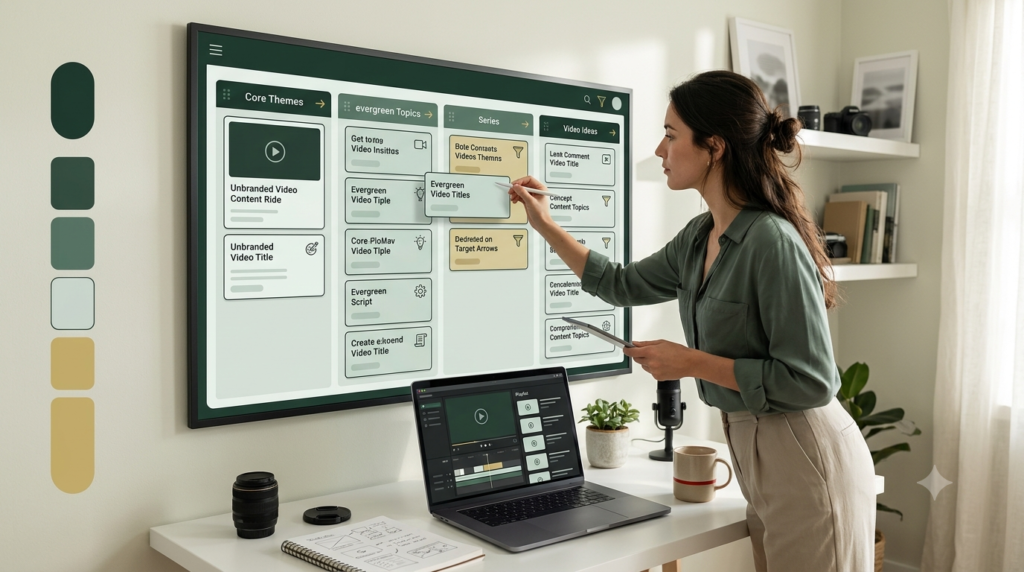
Creating YouTube videos one by one can quickly become exhausting. A better approach is to build an evergreen YouTube content library—a collection of useful videos that can continue attracting viewers long after publication.
Think of it as your digital bookshelf. Some videos answer beginner questions, others solve specific problems, and some introduce viewers to your products or services. Together, they create a long-term resource that supports your YouTube content strategy.
The good news is that you do not need expensive equipment or years of experience. With simple YouTube content planning, research, organization, and consistent publishing, a beginner can gradually build a valuable library.
What Is an Evergreen YouTube Content Library?
An evergreen YouTube content library is an organized collection of videos designed to remain useful over an extended period.
For example:
- How to Create a YouTube Channel
- YouTube Basics for Beginners
- How to Design a YouTube Banner
- How to Find YouTube Video Ideas
- How to Write a YouTube Description
- YouTube SEO for Beginners
- How to Read YouTube Analytics
A trending news video may become outdated quickly. An evergreen tutorial can continue answering the same basic question months or even years later.
Why Is It Important?
Your library can become the backbone of your YouTube content ecosystem because each video can support another.
A beginner might discover your video about YouTube basics, then watch your video about thumbnails, followed by your SEO tutorial.
This creates a connected content journey instead of isolated videos.
1. Start With Your Audience’s Core Questions
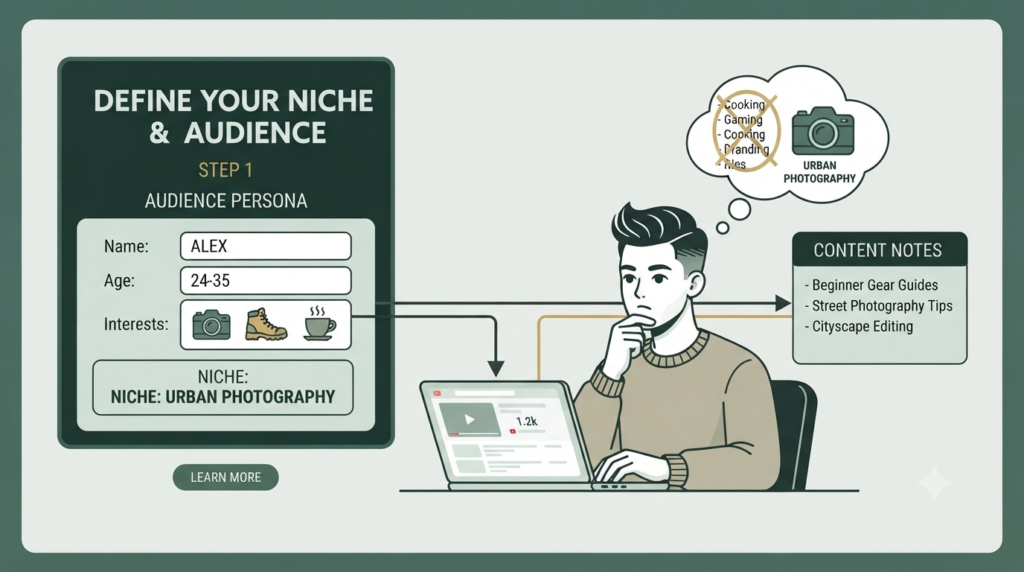
The first step is understanding what your audience repeatedly wants to know.
Do not begin with, “What video should I make today?”
Instead ask:
“What useful questions will my audience still have six months from now?”
Create a simple list of:
- Beginner questions
- Common mistakes
- How-to problems
- Frequently searched topics
- Tools and workflows
- Comparison questions
- Troubleshooting questions
Your YouTube video ideas should solve genuine problems rather than simply fill your publishing calendar.
Simple Example
If your channel teaches digital marketing, your evergreen library could cover:
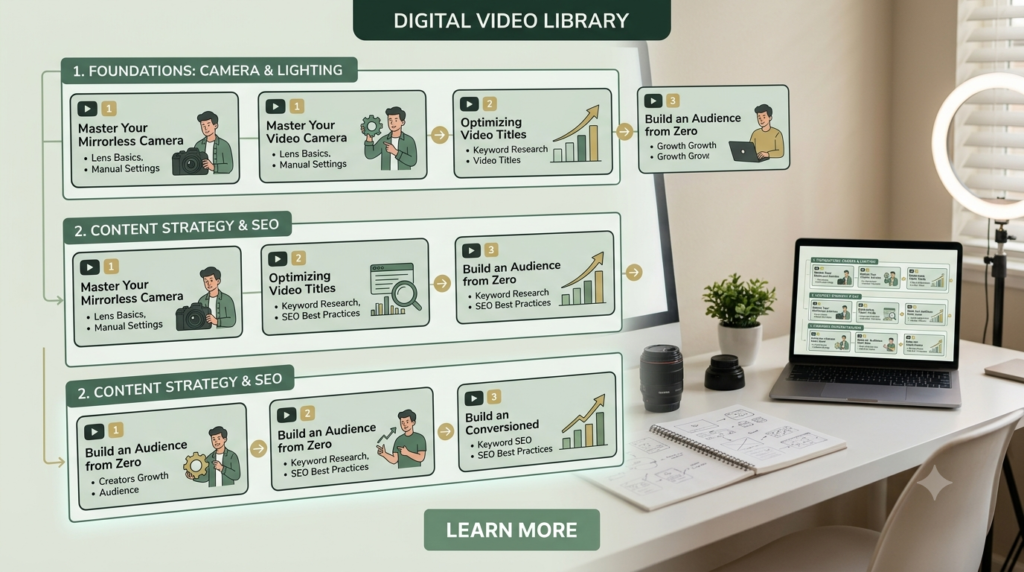
Foundation → Content → SEO → Promotion → Analytics → Monetization
This creates a logical structure viewers can follow.
2. Build Content Pillars
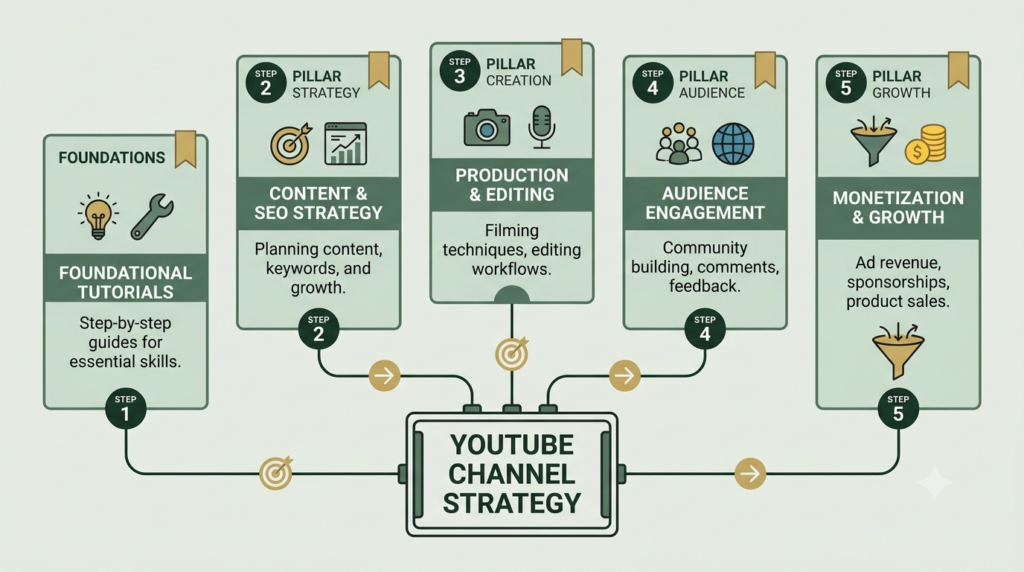
Content pillars are the main subjects your channel consistently covers.
A beginner can start with three to five pillars.
| Content Pillar | Evergreen Video Examples |
|---|---|
| YouTube Basics | How YouTube Works for Beginners |
| Content | How to Create a Content Plan |
| SEO | YouTube SEO Basics |
| Design | How to Make Better Thumbnails |
| Analytics | How to Understand YouTube Analytics |
Your pillars prevent random publishing and make YouTube content planning much easier.
They also help search engines and viewers understand what your channel is about.
3. Create a Repeatable Video System
You do not need to reinvent your workflow for every video.
Create one repeatable process:
Research → Outline → Script → Record → Edit → Optimize → Publish → Update
For every topic, prepare:
- One clear title
- One primary viewer problem
- A simple introduction
- Three to seven key points
- Practical examples
- A conclusion
- One CTA
A repeatable system reduces decision fatigue and makes producing evergreen YouTube content more manageable.
Beginner Tip
Create videos in batches.
For example, research five related topics on one day. Prepare their outlines together. This can save time compared with switching between completely different subjects.
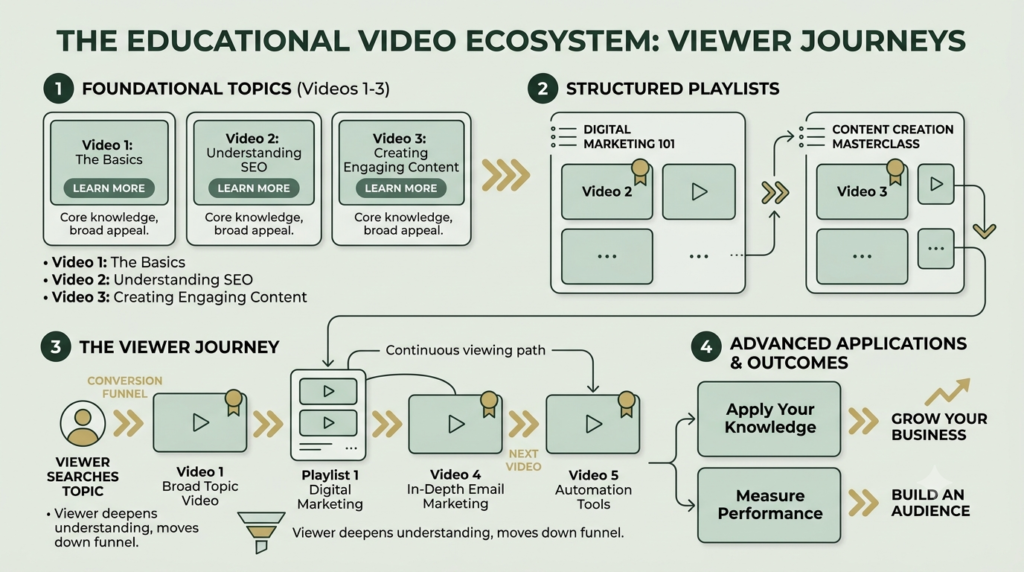
4. Connect Your Videos Into a Content Library
An evergreen library becomes much more powerful when your videos are connected.
For example:
Video 1: YouTube Basics
↓
Video 2: YouTube Channel Setup
↓
Video 3: YouTube Banner Design
↓
Video 4: YouTube Content Strategy
↓
Video 5: YouTube SEO
Use:
- Playlists
- End screens
- Cards where appropriate
- Descriptions
- Pinned comments
- Related video references
This encourages viewers to move from one useful resource to another.
It also turns individual videos into a structured YouTube content strategy.
5. Make Your Videos Search-Friendly
Evergreen does not mean “publish once and forget forever.”
Optimize each video around the question it answers.
Include your main topic naturally in:
- Video title
- First part of description
- Spoken content
- Relevant chapters
- Thumbnail concept
- Playlist
- Supporting website article
Avoid repeating the same keyword unnaturally.
YouTube itself provides guidance through its official Creator resources, including information about search, discovery, and audience development. YouTube Creators
For keyword research and broader search behavior, Google Trends can also help identify whether interest in a topic is stable or seasonal. Google Trends.
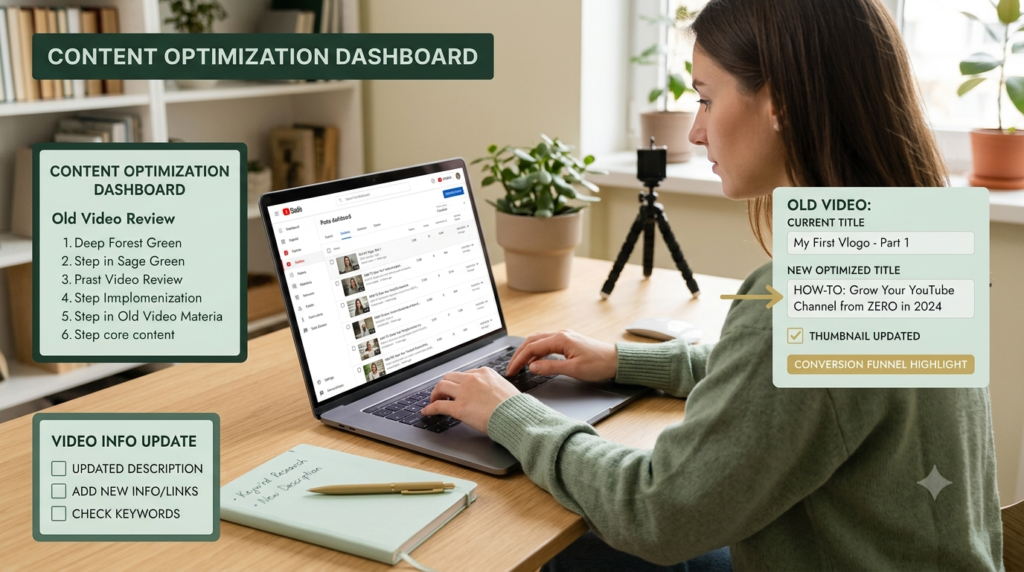
6. Review and Refresh Your Evergreen Library
Even evergreen subjects sometimes need updating.
Every few months, review your older videos.
Check:
- Are screenshots outdated?
- Have YouTube features changed?
- Are links still working?
- Is the title still accurate?
- Does the thumbnail communicate the topic?
- Can the description be improved?
- Are viewers asking new questions in comments?
If important information changes, consider updating the content or creating a new version.
This is especially important for technology-related topics because platforms and interfaces can change rapidly.
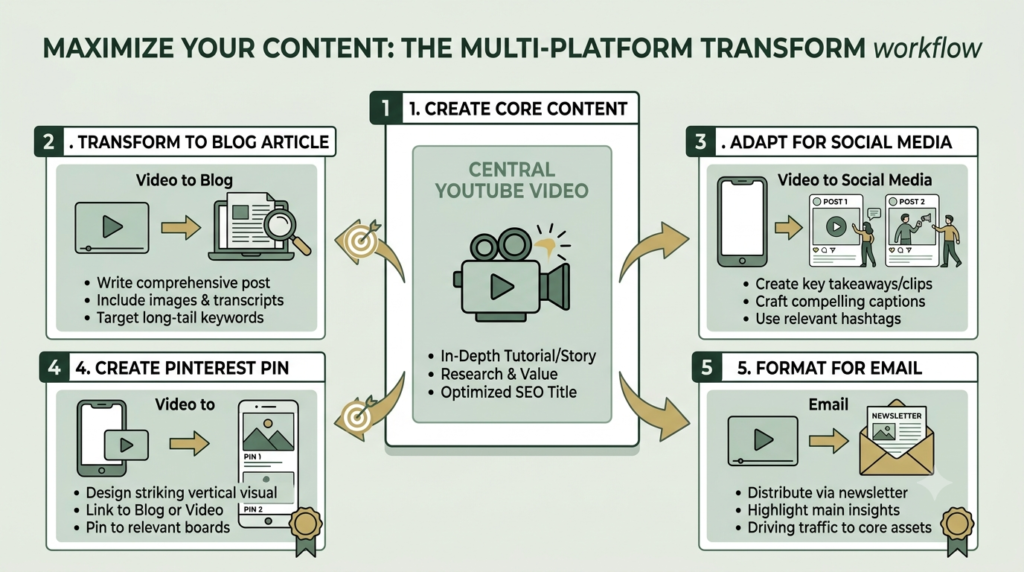
7. Turn One Topic Into Multiple Assets
Your library should not stop with YouTube.
One strong video can become:
1 YouTube video → 1 blog → 3–5 social posts → Pinterest pin → email → short-form content
For example, a video called “How to Create a YouTube Content Strategy” could become a detailed beginner blog, an Instagram carousel, a Pinterest graphic, and several short educational posts.
This approach makes your content investment work harder.
It also creates a connected digital ecosystem around your core content.
Evergreen vs. Trending Content
You do not have to choose only one.
| Evergreen Content | Trending Content |
|---|---|
| Long-term usefulness | Short-term relevance |
| Answers recurring questions | Covers current developments |
| Usually easier to update | May become outdated quickly |
| Builds a resource library | Can attract timely attention |
| Supports long-term search discovery | Can generate immediate interest |
A balanced channel can use evergreen content as its foundation while adding relevant trends when they genuinely fit the audience.
A Simple Evergreen YouTube Content Planning Template
Use this beginner workflow:
Step 1: Choose one audience problem.
Step 2: Research the question and related searches.
Step 3: Select one primary keyword.
Step 4: Create a clear outline.
Step 5: Record a practical tutorial.
Step 6: Optimize the title, description, thumbnail, and chapters.
Step 7: Add the video to the appropriate playlist.
Step 8: Link it with related videos.
Step 9: Repurpose the main ideas.
Step 10: Review performance and update when necessary.
Start with 10 genuinely useful videos rather than trying to create 100 immediately.
How This Becomes the Backbone of Your Content Ecosystem
Your evergreen library can act as the central knowledge base for your entire marketing system.
A single core topic can connect:
YouTube → Website → Blog → Social Media → Email → Digital Product
For example, a YouTube SEO tutorial can link to your website’s SEO service page. The blog can explain the process in greater detail, while related social posts bring new people back to the video.
That is why the goal is not simply to accumulate videos.
The goal is to build a connected library of useful answers.
Common Mistakes to Avoid
Avoid these beginner mistakes:
- Creating videos without knowing the audience problem
- Chasing every trend
- Making unrelated videos
- Using clickbait titles
- Ignoring thumbnails
- Forgetting playlists
- Never updating older tutorials
- Repeating keywords excessively
- Creating content without a clear viewer journey
- Publishing without reviewing analytics
Consistency matters, but usefulness and organization matter too.
Final Takeaway
Building an evergreen YouTube content library is a long-term process, not a one-week project.
Start with your audience’s recurring questions. Organize them into content pillars, create repeatable production systems, connect related videos, optimize them for discovery, and periodically refresh older information.
Over time, individual videos can become a structured knowledge library that supports your YouTube content strategy, website, social media, and broader digital marketing efforts.
Your Next Step
Choose one audience problem today, turn it into one helpful video, and add it to your first evergreen content pillar. Then build the next video around a closely related question.
FAQ
1. What is an evergreen YouTube content library?
It is an organized collection of useful YouTube videos designed to remain relevant and helpful over a long period rather than depending entirely on short-lived trends.
2. How many evergreen videos should a beginner create?
Start with around 10 well-planned videos. Focus on answering important audience questions before worrying about creating a large library.
3. What topics are best for evergreen YouTube content?
Tutorials, beginner guides, how-to videos, problem-solving videos, educational explanations, checklists, and foundational concepts are often suitable for evergreen content.
4. Should evergreen YouTube videos be updated?
Yes. Review them periodically, particularly when software, platforms, statistics, policies, or procedures change.
5. Can evergreen videos help a new YouTube channel?
They can provide a useful foundation because they address recurring audience needs. Results will vary depending on topic demand, content quality, competition, packaging, and audience response.
6. What is the difference between evergreen and trending YouTube content?
Evergreen content is designed around lasting usefulness, while trending content focuses on topics receiving attention at a particular time. A channel can use both.