
Campaign Editing: 7 Powerful Types of Editing for Winning Results 2026

You launch a campaign, the idea is great, and nobody clicks. Sound familiar? Often the problem isn’t the idea. It’s the polish. Campaign editing is the fastest way to turn a rough draft into something people remember and trust. This beginner’s guide walks through seven types of editing, shows how to do each one, and explains how to fix common mistakes until every asset is fully optimized.
What Is Campaign Editing, and Why Should Beginners Care?
Campaign editing is the process of refining every asset before and after it goes live: video, photos, words, sound, layouts and data. Think of it as quality control with creativity. Beginners who understand the basic types of editing can compete with much bigger brands, because clean, consistent work earns trust in seconds. In 2026, AI-assisted tools handle repetitive jobs like captioning and noise removal, so you can focus on the message. This smart process also saves money, since fixing a weak asset costs far less than buying more ads to push it.
Why Campaign Editing Is the Backbone of Every Campaign Entity
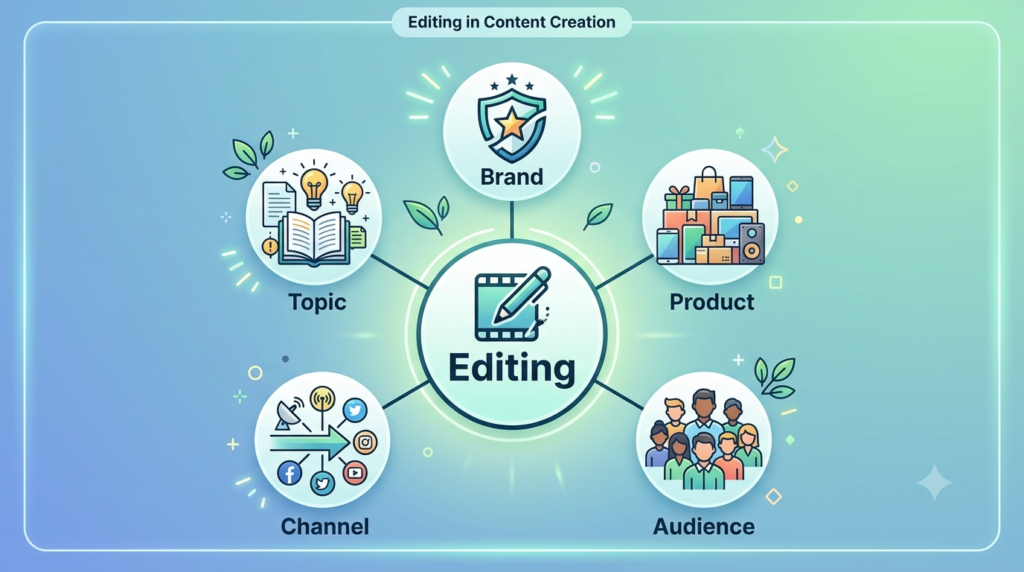
Every campaign is built from entities: your brand, product, audience, channel and topic. Content Editing Tips holds them together. When your logo, tone, facts and colors match across an ad, an email and a landing page, people recognize you instantly. Search engines and AI assistants also connect those consistent signals into one clear picture of who you are.
Contradictory or sloppy assets weaken that picture. Strong marketing campaign optimization always starts with editing, because you can’t optimize what isn’t clean. Think of Content Editing Tips as the spine of your marketing: remove it and the other parts stop working together.
The 7 Types of Editing Inside this workflow
Here is what each type covers, how to do it, and how to fix it until it’s fully optimized.
1. Video Editing
What it is: Trimming, sequencing, captioning and color-correcting footage for reels, ads and YouTube. Video is often the biggest part of campaign optimization.
How to do it: Video editing for beginners follows three steps. Cut dead air from the first three seconds, add captions because most people watch muted, and export in the platform’s native ratio (9:16 vertical, 16:9 wide). Free tools like DaVinci Resolve or CapCut are enough.
Fix it to 100%: Hook viewers in three seconds, give each video one message, keep captions readable on a phone, and compress the file without visible quality loss.
2. Photo and Image Editing
What it is: Cropping, retouching, color balancing and resizing visuals. Consistent visuals are the easiest win in Content Editing Tips.
How to do it: Crop to the focal point, correct exposure, keep skin tones natural, and export as WebP for fast loading.
Fix it to 100%: Use one consistent palette, keep web images under about 100 KB, write descriptive alt text, and check for stray watermarks or leftover elements.
3. Copy and Content Editing
What it is: Structural edits, line edits and proofreading of headlines, captions, emails and blog posts. Words are the cheapest part of editing to improve.
How to do it: These content editing tips work every time. Read your draft aloud, delete any sentence that doesn’t serve one goal, swap jargon for plain words, and lead with the benefit.
Fix it to 100%: One promise per headline, short paragraphs, active voice, one clear call to action, and a readability level around grade 8.

4. Audio Editing
What it is: Cleaning voice recordings, balancing volume and adding music for podcasts, videos and ads.
How to do it: Record in a quiet room, remove background noise, and level loudness to roughly -14 to -16 LUFS.
Fix it to 100%: No clipping, music that dips under speech, and only royalty-free or properly licensed tracks.
5. Motion Graphics and Animation Editing
What it is: Animated text, logo reveals, GIFs and transitions.
How to do it: Start from a template, keep animations under five seconds, and use smooth ease-in and ease-out motion.
Fix it to 100%: Stick to brand fonts and colors, avoid flashing effects (an accessibility issue), and test that loops feel seamless.
6. Email and Landing Page Editing
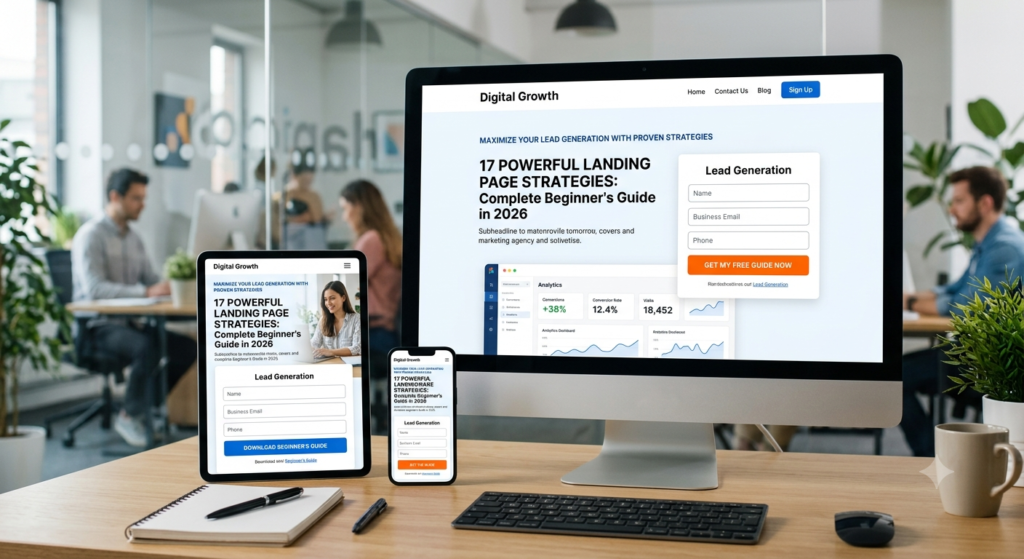
What it is: Refining layout, mobile responsiveness, links and forms. This is where Content Editing Tips meets conversion.
How to do it: Use a single-column layout, one large button, and preview on a real phone before sending.
Fix it to 100%: Every link works, the page loads in under three seconds, subject lines stay under about 50 characters, and forms ask only for essentials.
7. Data and Performance Editing
What it is: Reviewing analytics and revising live assets through A/B tests. This is where marketing campaign optimization becomes real, and where campaign optimzation never really ends, because every test shows you what to change next.
How to do it: Change one variable at a time (headline, thumbnail or button color), wait for enough data, then keep the winner.
Fix it to 100%: Assign one KPI per asset, review weekly, and retire creatives whose click-through rate keeps falling.
Common Campaign Content Editing Mistakes to Avoid
Most beginners repeat the same errors. They edit without a goal, change five things at once, ignore mobile previews, and skip a final proofread. Fix this with a simple rule: decide the goal first, edit one element at a time, and always review the asset on a phone before it goes live. Another frequent slip is inconsistency, such as a headline promising one thing while the landing page says another. A quick side-by-side check catches it.
Your Quick Content Editing Tips Checklist
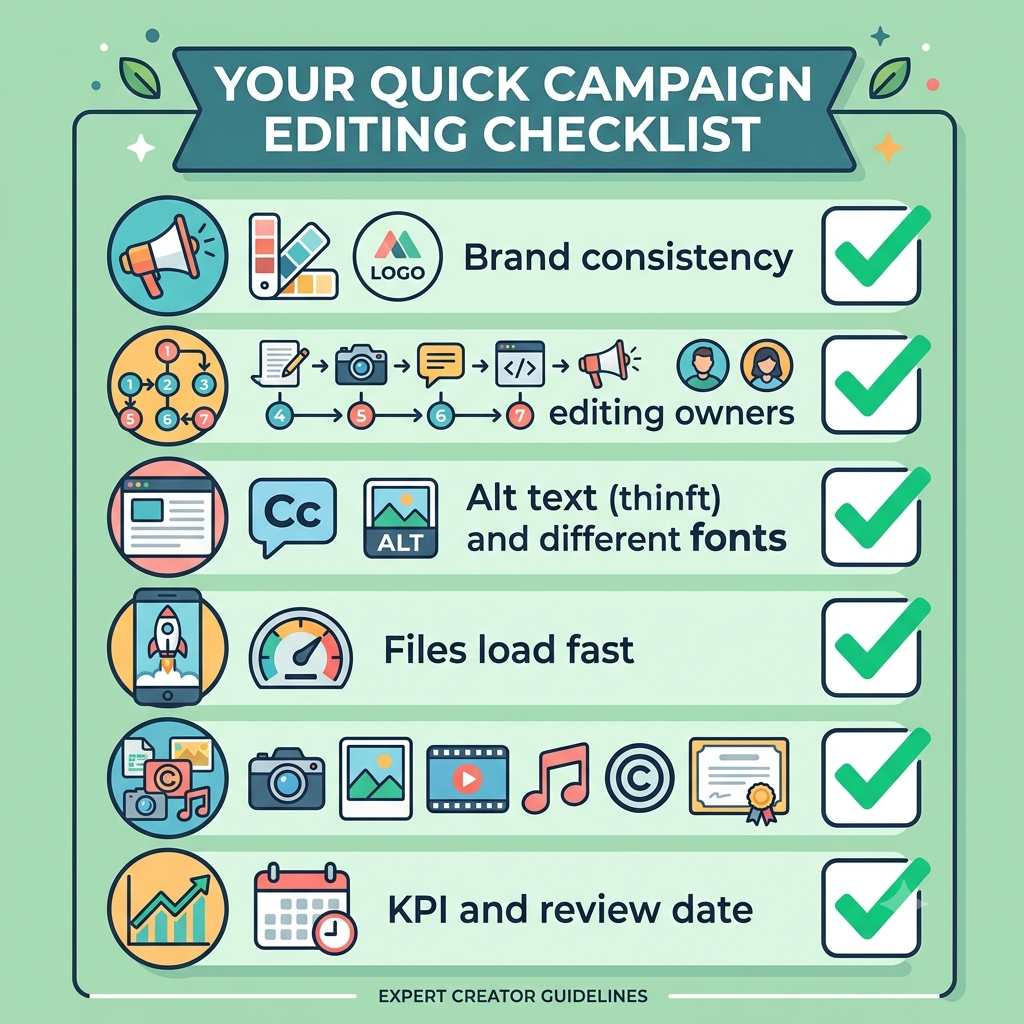
- Are the brand voice, logo and color palette consistent everywhere?
- Does each of the seven types of editing have a named owner or step?
- Are captions, alt text and readable fonts in place?
- Do files load fast on mobile?
- Is every asset original or properly licensed?
- Have you set a KPI and a review date?
Frequently Asked Questions
1. What is campaign editing?
Campaign editing is refining every marketing asset (video, images, copy, audio, layouts and data) before and after launch so the campaign looks consistent, loads fast and performs better.
2. What are the main types of editing used in a campaign?
The seven core types are video, photo, copy and content, audio, motion graphics, email and landing page, and data or performance editing.
3. Which type of editing should a beginner learn first?
Start with copy and content editing, since it needs no software and clear words strengthen every other asset. Then move to video editing for beginners, because video dominates most platforms.
4. How long does editing take?
A simple social post can take 30 to 60 minutes. A full campaign with video, email and landing pages may take several days. A checklist and reusable templates cut that time noticeably.
5. Can AI tools handle It?
AI speeds up captions, noise removal, resizing and first drafts. A human should still review facts, tone and brand consistency before anything goes live.
6. How do I know my editing improved results?
Track one KPI per asset, such as click-through rate, watch time or conversions, and compare before and after with A/B tests. That is the core of marketing campaign optimization.
Final Thoughts
Great campaigns are rarely born perfect. They’re edited into shape. Start with one asset, apply the seven types of editing in order, measure the result, and repeat. Consistent different types editing compounds over time, turning small fixes into big gains. Begin your campaign editing routine today, and your next launch will look sharper than your last.